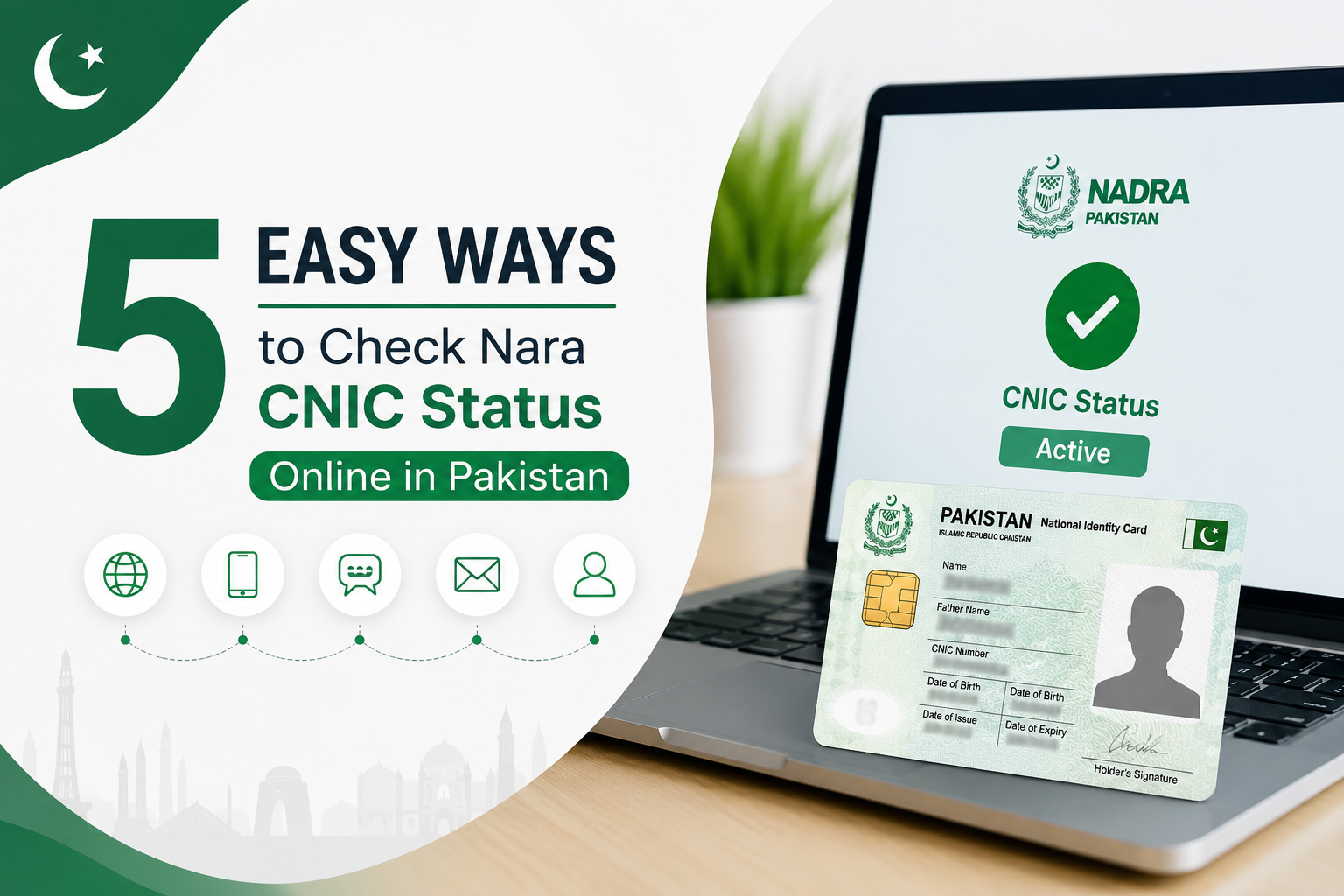
Getting your CNIC status checked used to mean long queues and wasted hours. Today, NADRA has made things much simpler. Whether you applied for a new ID card, a renewal, or a duplicate — you can track everything from your phone or laptop in just a few minutes.
This guide walks you through every method available to check your NADRA CNIC status online in Pakistan, without stepping out of your house.
What is NADRA CNIC Status?
Whenever you apply for a new CNIC or submit a renewal request at a NADRA office in Pakistan, your application goes through several stages before your card is ready. The CNIC status keeps informing you at all times about which stage your application is currently going through.
Knowing your status saves you from making unnecessary trips to the NADRA office and keeps you updated about when to expect your card.
Methods to Check NADRA CNIC Status Online
There are three easy ways to check your CNIC application status in Pakistan. You can use whichever method is most convenient for you.
Method 1: Check via NADRA Official Website
The official NADRA website is the most reliable way to track your CNIC status. Here is how to do it:
- Open your browser and go to the official NADRA website at nadra.gov.pk
- Look for the Track Application or CNIC Status option on the homepage
- Enter your CNIC number or application tracking number
- Enter the captcha code shown on screen
- Click Submit and your status will appear instantly
Before starting this process, make sure your internet connection is working properly and has a good speed. This website works on both mobile and desktop (computer).
Method 2: Check via SMS
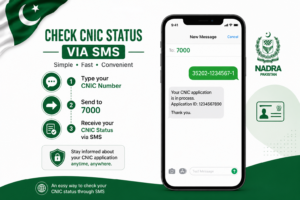
If you are living in a village or in an area where you do not have internet access, you can still check your CNIC status through SMS very easily. This method works on any basic mobile phone.
- Open your messaging app
- Type your CNIC number (without dashes)
- Send it to 7000
- You will receive a reply message with your current application status within a few minutes
Standard SMS charges may apply depending on your mobile network. This service works on Jazz, Zong, Telenor, and Ufone.
Method 3: Check via NADRA e-Sahulat App
NADRA also has a mobile application that makes it easy to manage your ID card related tasks. Here is how to use it:
- Download the NADRA e-Sahulat app from Google Play Store or Apple App Store
- Open the app and register using your mobile number
- Go to the CNIC Status section
- Enter your CNIC number and submit
- Your application status will be displayed on screen
What Do the CNIC Status Results Mean?
When you check your status, you might see different messages. Here is what each one means:
- Application Received: NADRA has received your application and it is in the queue
- Under Process: Your application is being reviewed and processed
- Card Ready: Your CNIC is ready and you can collect it from the NADRA office
- Dispatched: Your card has been sent to your address via courier
- Delivered: Your CNIC has been successfully delivered
How Long Does NADRA Take to Process a CNIC?
Processing time depends on the type of service you selected when applying:
- Normal Service: 30 working days
- Urgent Service: 15 working days
- Executive Service: 5 to 7 working days
If your application has been taking longer than expected, you can visit the nearest NADRA office or call their helpline for assistance.
NADRA Helpline and Contact Information
If you face any issues while checking your CNIC status online, you can reach NADRA directly through the following channels:
- Helpline: 0800-23232 (Toll Free)
- Website: nadra.gov.pk
- Working Hours: Monday to Friday, 9 AM to 5 PM
Tips to Avoid CNIC Delays
A few simple steps can help make sure your CNIC application goes through without any problems:
- Always double check your personal information before submitting
- Make sure your documents are complete and valid
- Keep your tracking number safe after applying
- Use the executive service if you need your card urgently
- Check your status regularly so you know when to collect your card
Final Thoughts
As you know, checking your CNIC status online in Pakistan is now quick, free, and very easy. Whether you use the website through the internet, SMS, or the mobile app, all three methods provide you with the latest and accurate information about your application. Now you do not need to make unnecessary trips to the NADRA office. With just a few clicks, you can check from anywhere and know which stage your ID card is currently going through. If you found this guide helpful, make sure to share it with your friends and family. And if you still have any questions, let us know in the comments below.